Scan
Once the data source settings are complete, check if scanning is actually possible.
- Go to the
Google > GCP DataSourcescreen. - Click on the list of data sources and click
SCANin the lower left corner. - If the Status column shows
OK, the integration is successful. (※ If an error is displayed, an error message will be shown in a dialog box.)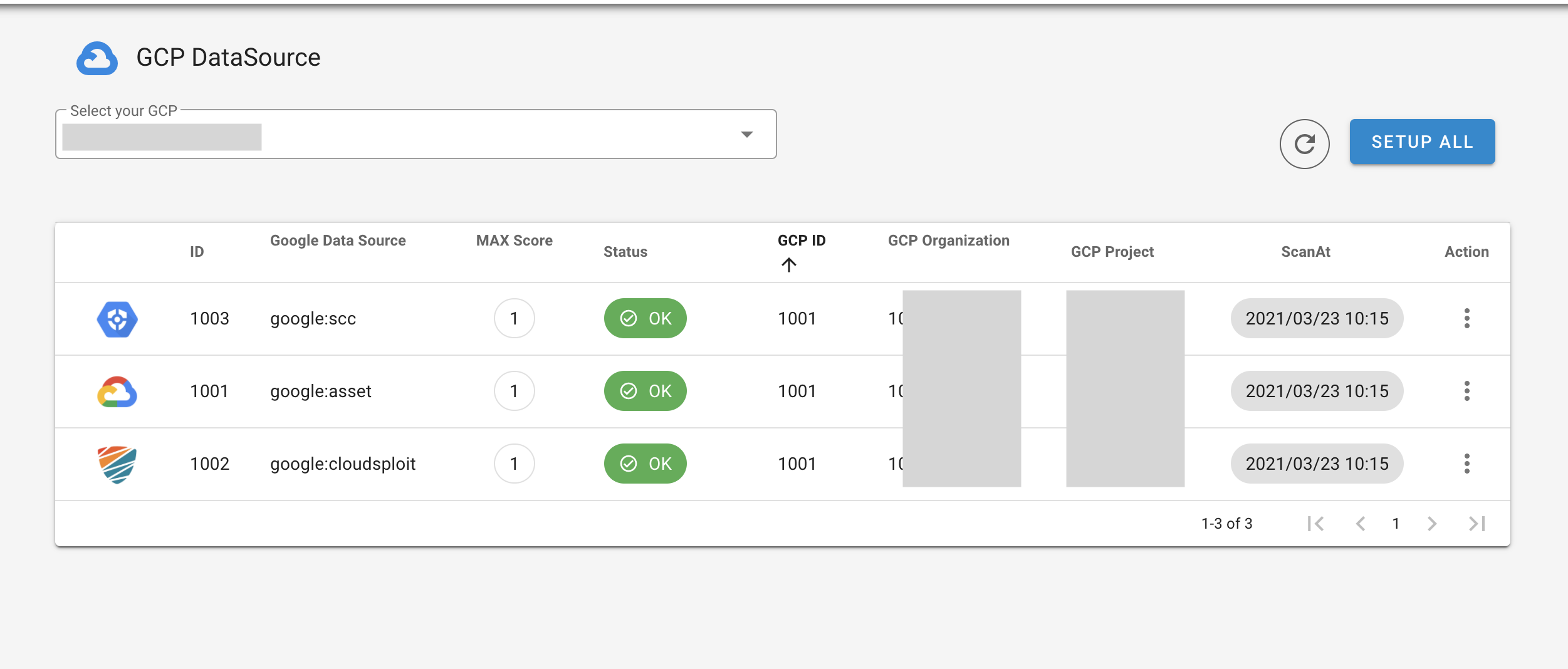
- Finding data collected by the data source can be confirmed on the
Finding > Findingscreen.
- In addition to manual scanning, a connected DataSource is periodically executed according to a schedule.